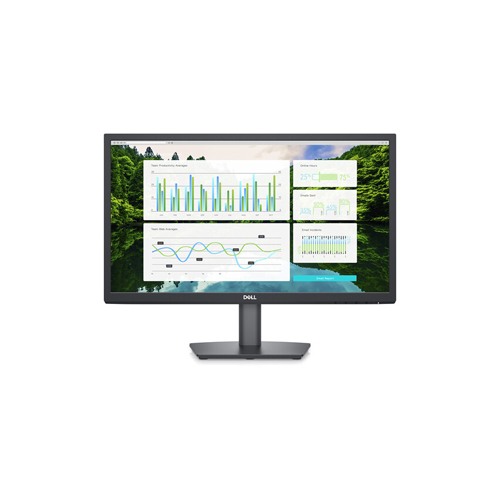

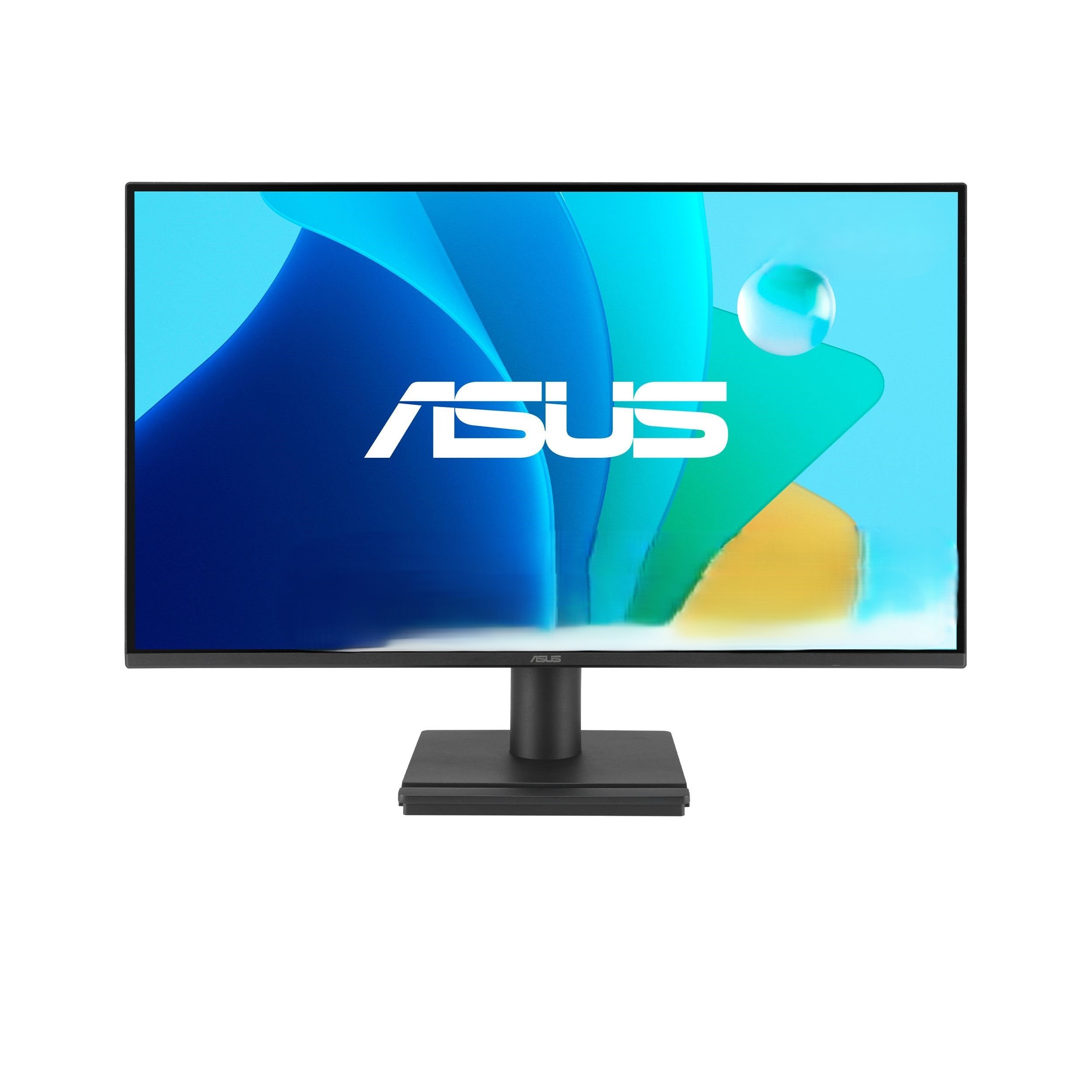
Specification Display Panel Size VA LCD Resolution 1920 x 1080 Aspect Ratio 16:9 Brightness 250 nits / cd/m2 Display Size 21.5 inch Panel VA LCD Color Support 8-Bit (16.7 Million Colors) 72% CIE1931 83% CIE1976 Brightness (typical) 250 nits / cd/m2 Battery And Power Power Standby: 0.3 W Typical: 12.1 W Maximum: 19.0 W Ports VGA 1x VGA Physical Specification Color Black Dell E2223HN is a 21.5-inch monitor The Dell E2223HN is a 21.5-inch monitor that offers a VA LCD panel with a resolution of 1920 x 1080 pixels. This monitor, available at Maskura Tech, provides a maximum brightness of 250 nits/cd/m2 and supports 8-Bit color depth, which translates to 16.7 million colors. It covers 72% of the CIE1931 color gamut and 83% of the CIE1976 color gamut. The monitor has an anti-glare/matte finish and does not support touchscreen technology. It comes with 1 HDMI and 1 VGA input but does not have built-in speakers. The contrast ratio of the monitor is 3000:1, and it has a dynamic contrast ratio of 3000:1. The response time is 10 ms (GtG) and 5 ms (GtG), and the refresh rate is 60 Hz. The monitor does not support variable refresh technology. The viewing angle is 178 x 178°, and it has a pixel density of 102 ppi. The monitor supports HDCP version 1.2 but does not support multi-input (PIP/PBP). The power consumption in standby mode is 0.3 W, typical power consumption is 12.1 W, and maximum power consumption is 19.0 W. The AC input power is 100 to 240 VAC, 50 / 60 Hz, and the power adapter type is internal. The monitor is certified by ENERGY STAR, EPEATGOLD, and TCO. It does not support height, rotation, or swivel adjustment but supports tilt adjustment from -5 to 21°. The monitor has a mounting-hole pattern of 100 x 100 mm and a lock slot. The dimensions with the stand are 19.9 x 15.1 x 6.7 inches, and the weight with the stand is 6.7 lb. The package weight is 9 lb, and the box dimensions are 22.05 x 13.8 x 4.9 inches. The essentials you need to be more productive Wide viewing angle:See your work in superb FHD clarity and get consistent views across a wide 178°/178° viewing angle. Crisp images:Get an impressive 3000:1 contrast ratio for deeper blacks, brighter whites and vivid color. Easy on the eyes:Enjoy a flicker-free screen with ComfortView, a software feature that reduces harmful blue light emissions. It’s designed to optimize eye comfort even over an extended viewing period. Functional, space-saving design Convenient connectivity:Connect to current and legacy systems via HDMI and VGA ports. Maximize your desktop:Cut clutter with space-saving features like a compact stand and improved cable management that hides cables while complementing any workspace. Clean, simple design:A slim bezel adds a modern look. Dell Display Manager Productive at every level:Easy Arrange allows you to easily tile multiple applications across one or more screens with 38 pre-set window partitions and the ability to personalize up to five windows, giving you improved multitasking abilities. Seamless transitions:The auto-restore feature remembers where you left off, so applications will go back to where you left them, even after you’ve unplugged. The key to convenience:Shortcut keys can save you even more time, letting you easily configure your display management settings so you can get to work faster. More ways to manage:Asset management reports allow IT managers to quickly capture and track monitor information as well as configure multiple monitors at once through a single setup. Green thinking for today and tomorrow Environmental standards: This monitor meets the latest regulatory and environmental standards such as EnergyStar®, EPEAT® Gold and is TCO Certified. Eco-conscious packaging:Designed with the environment in mind, Dell commercial monitors come in 100% recyclable cardboard packaging. Energy conservation:Save energy with PowerNap, a feature that dims or puts your monitor to sleep when it’s not in use. Advancing sustainability:Dell Technologies is committed to reducing environmental impact throughout the product lifecycle. Read more about our commitment to sustainability and our 2030 Social Impact goals here, and our product’s carbon footprint here. Ports & Slots 1. Security lock slot (based on Kensington Security Slot™) | 2. Power port | 3. HDMI port | 4. VGA port Cables Included: Power cable | HDMI cable
$ 95.10
System Sensor SPWL Speaker, Wall Mount, White
$ 94.89
System Sensor Strobe Light SRL L-Series, Red, Wall-Mounted, Clear Lens, Marked “Fire”
$ 91.05
system-sensor-scwl-ceiling-mount strobe light-white
$ 95.10
The System Sensor SpectrAlert Advance P2R is a red, two-wire horn strobe with selectable strobe settings of 15, 15/75, 30, 75, 95, 110 and 115 cd.
$ 92.58
System Sensor Strobe Light SWL L-Series, White, Wall-Mounted, Clear Lens, Marked “Fire”
$ 94.89
Fire-Lite ES-200X Fire Alarm (Replaces MS9200UDLS)
$ 91.05
Fire-Lite CMF-300 Addressable Control Module
$ 95.10
Fire Lite BG-12l pull station provides initialization signal to the Fire Alarm Control Panels (FACPs)
$ 94.89
System Sensor Strobe Light SRL L-Series, Red, Wall-Mounted, Clear Lens, Marked “Fire”
$ 91.05
Fire-Lite MMF-301 Mini-monitor Module
